
Hello! Let us elaborate what are all the cool things you can do with the Interactive Banner Element.
Simple Interactive Banner with Title on Left (by default)
An image is used with the title, which is by default set to left.

"SUSAN

"MARK

"SOFIA

"ALVIN
"Simple
You can place your title to the center on the title bar & also you can customize the hover effects.

"Device

"Extreme

"Easy
"Image
You can apply icons to the background simply by using Image Icon and choose to display text on Hover.

"SMILE
"We

"START
"Our

"UNLOCK
"Unlock

"WE
"Never
"Icons
You can place icons with the title section

"Smart
"This

"light
"This

"Object
"This

"Color
"This
"Icon
You can also use the icons with the On-Hover description.

"Speak
"Feel

"Happy
"We

"Custom
"Its
"Colored
Title Bar color can be changed according to the overall look of your website.
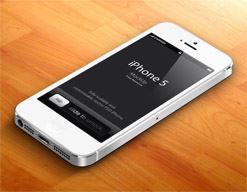
"iPhone"
"Discover
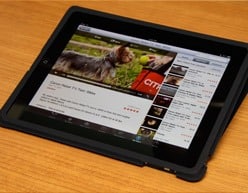
"iPad"
"Explore

"iPod"
"Making
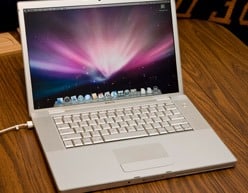
"MacBook"
"Explore
"Button
You can apply the read more link button to the On-Hover description
"Dark
"This

"Water
"This

"Skyscraper
"This
"Link
Another example of link on the interactive banner is complete box link

"Camera
"Camera

"Camera
"Camera

"Camera
"Camera
"Hover
All Possible Cool Hover Effects Below.

"Interactive
"A
"Interactive
"A
"Interactive
"A
"Interactive
"A

"Interactive
"A
"Interactive
"A
"Interactive
"A
"Interactive
"A

"Interactive
"A
"Interactive
"A
"Interactive
"A
"Interactive
"A
"Custom
Control the size of the banner with easy settings.

"Landscape
"Freta
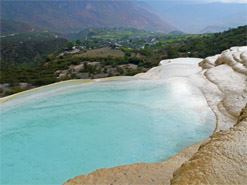
"Landscape
"Freta

"Landscape
"Freta

"Landscape
"Freta